Description
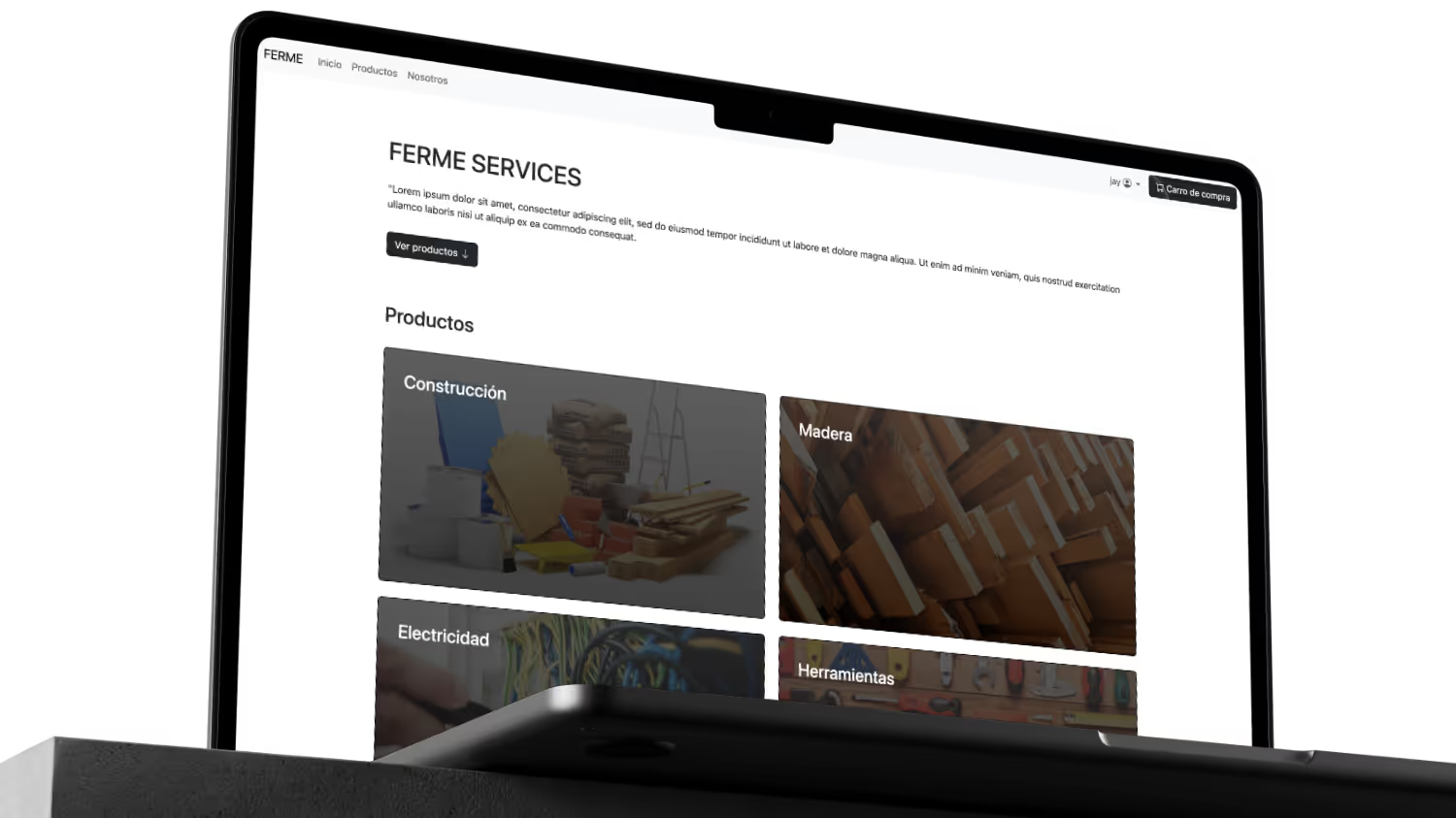
Demo e-commerce website made with Django, Bootstrap 5 and Oracle SQL (student project).
Features
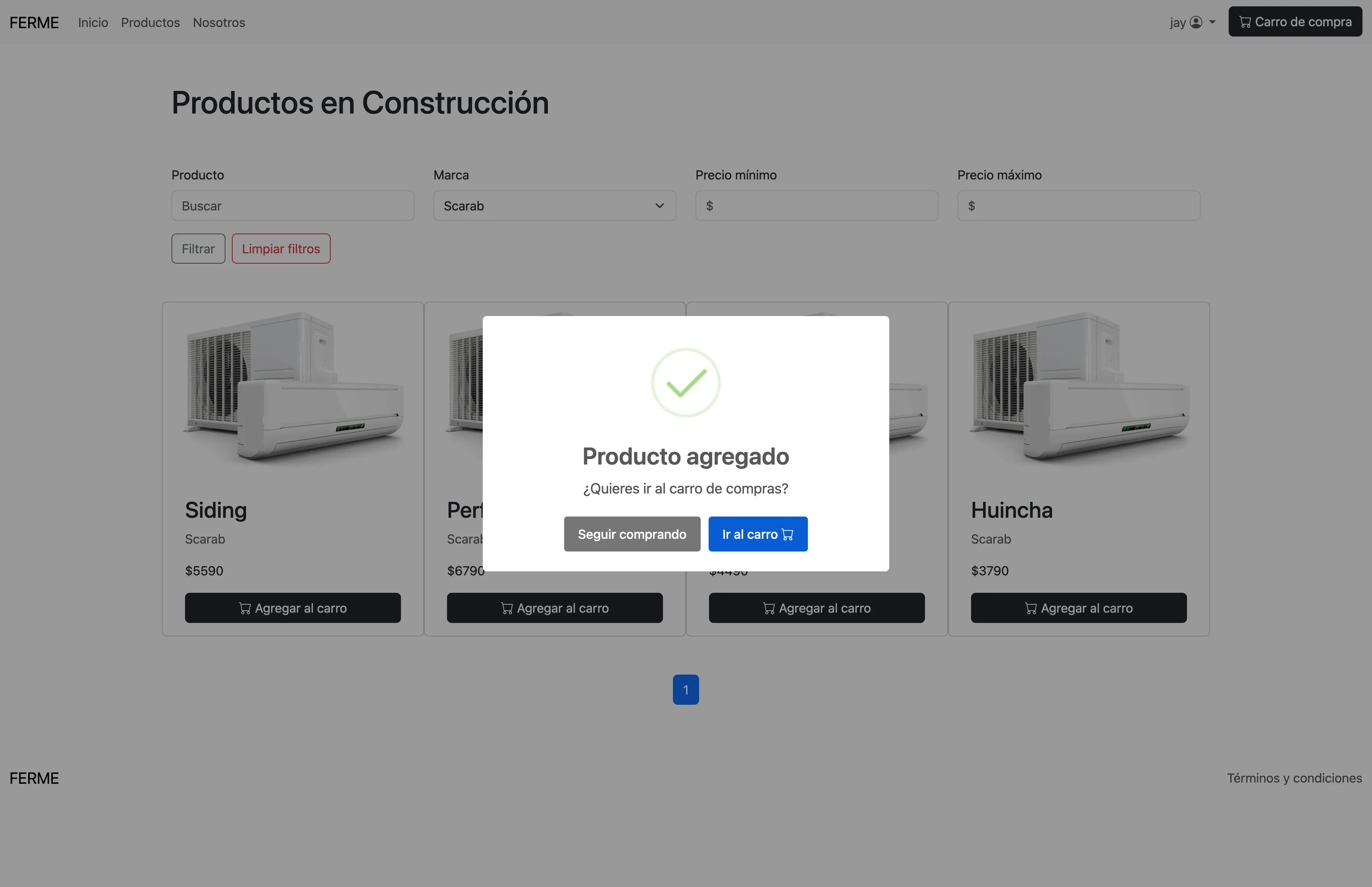
Products page with filters and search, product details page and cart button.
Dev environment setup
Prerequisites:
Python 3+, Docker/Podman and dependencies listed in requirements.txt
Organization
The DB scripts are located in the /scripts_oracle directory. The project uses the Django MVT pattern.
Setup
- Clone
git clone https://github.com/jaycem-dev/ferme-website.git
cd ferme-website- Create Python virtual environment and install dependencies
python3 -m venv venv
source venv/bin/activate
python -m pip install -r requirements.txt- Setup Oracle SQL Free container (Docker/Podman)
We’ll use Oracle Database 23ai Free Lite. Read more here.
podman run -d --name oracle-db -p 1521:1521 container-registry.oracle.com/database/free:23.6.0.0-lite- Check container status
podman ps- Change DB password
podman exec <oracle-db> ./setPassword.sh <your_password>- Copy /scripts_oracle to the container:
podman cp scripts_oracle/ oracle-db:/tmp/scripts_oracle
- Connect with sqlplus
podman exec -it oracle-db sqlplus sys/admin@freepdb1 as sysdba- Create user and assign permissions.
For local development, we can assign all permissions for quick start.
CREATE USER ferme IDENTIFIED BY password;
GRANT ALL PRIVILEGES TO ferme;- Run the scripts in sqlplus
@/tmp/scripts_oracle/1.SCRIPT_CREACION_TABLAS.ddl
@/tmp/scripts_oracle/2.SCRIPT_INSERTS.sql
@/tmp/scripts_oracle/3.TRIGGERS_AND_SP.sql
@/tmp/scripts_oracle/4.INSERT_PRODUCTOS_MUESTRA.sql- Update credentials in ferme/settings.py with the new user.
DATABASES = {
    "default": {
        "ENGINE": "django.db.backends.oracle",
        "NAME": "localhost:1521/freepdb1", # freepdb1 is the default pluggable db name in the oracle container
        "USER": "ferme",
        "PASSWORD": "password",
    }
}- Create migrations and superuser
python manage.py migrate
python manage.py createsuperuser- Run the server
python manage.py runserver