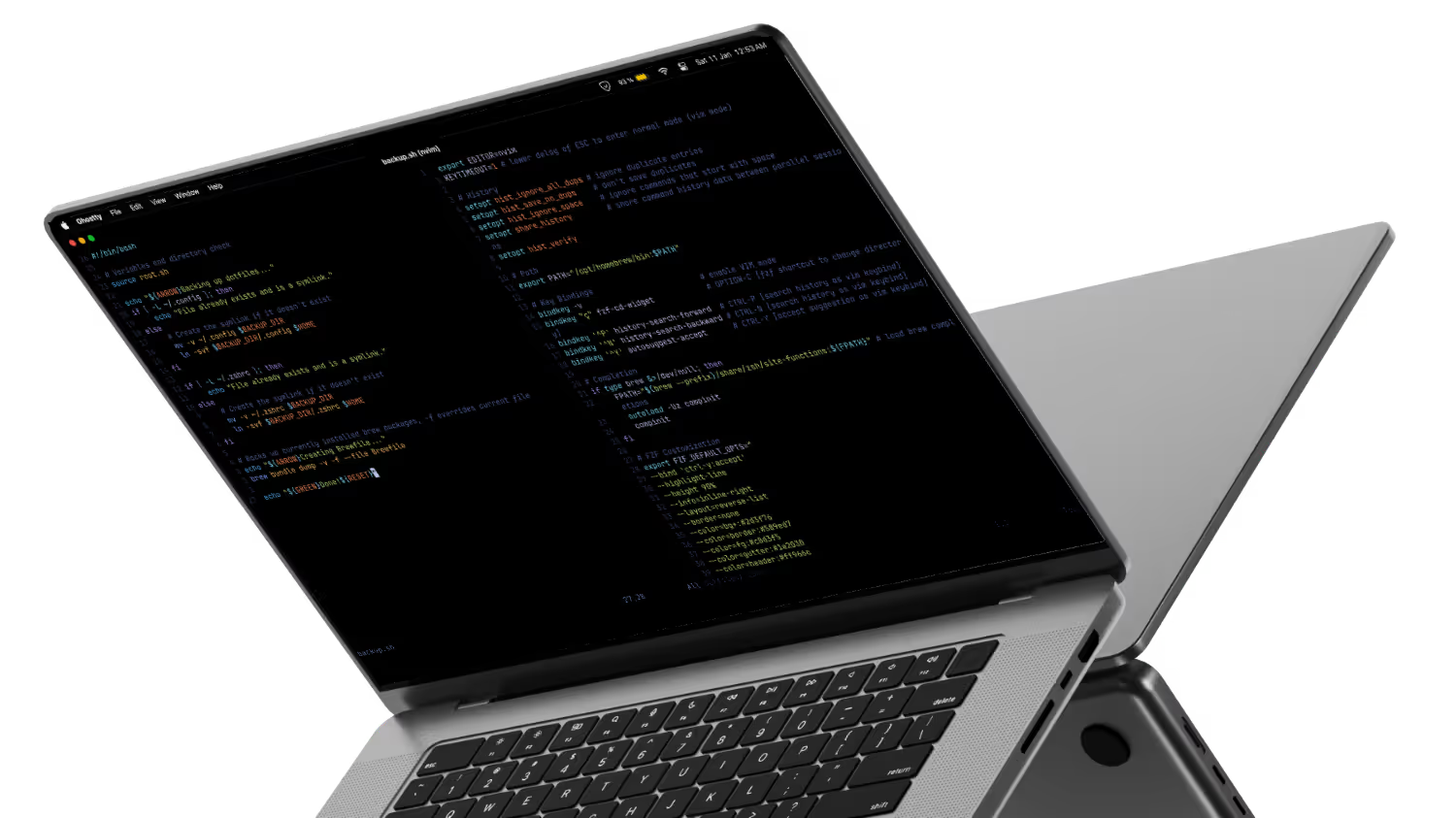
Description
Automation scripts to set up macOS for software development, privacy and general use.
Features
When running the main script, you can select between automated setup or update backup. Here’s what each option does:
-
Automated Setup
- Install homebrew and packages listed in the Brewfile.
- Symlink dotfiles to the home directory.
- Install fish shell and use it as the default shell.
- Install additional LSP servers missing from brew packages using npm.
- Change macOS defaults for finder, dock, etc.
- Modify persistent dock apps
- Misc macOS settings, like touchid for sudo, etc.
- Set up Kanata and Karabiner driver as launchd services for keyboard customization and layers.
- Set up DNS over HTTPS with blocking ads and trackers using Mullvad dns.
-
Update Backup
- Moves dotfiles (.config/ and .zshrc) to the project directory then creates symlinks back to $HOME.
- Updates Brewfile from brew packages installed.
Choosing Automated Setup will overwrite your dotfiles. If you want to use this project with your own backup read the wiki..
Install dependencies:
xcode-select --installStart:
git clone https://github.com/jaycem-dev/mac-setup.git ~/dev/mac-setup
bash ~/dev/mac-setup/main.sh
Then select the option you want to run.
Manual settings
Some settings must be changed manually due to API limitation or lack of documentation. Check this issue for more details.